
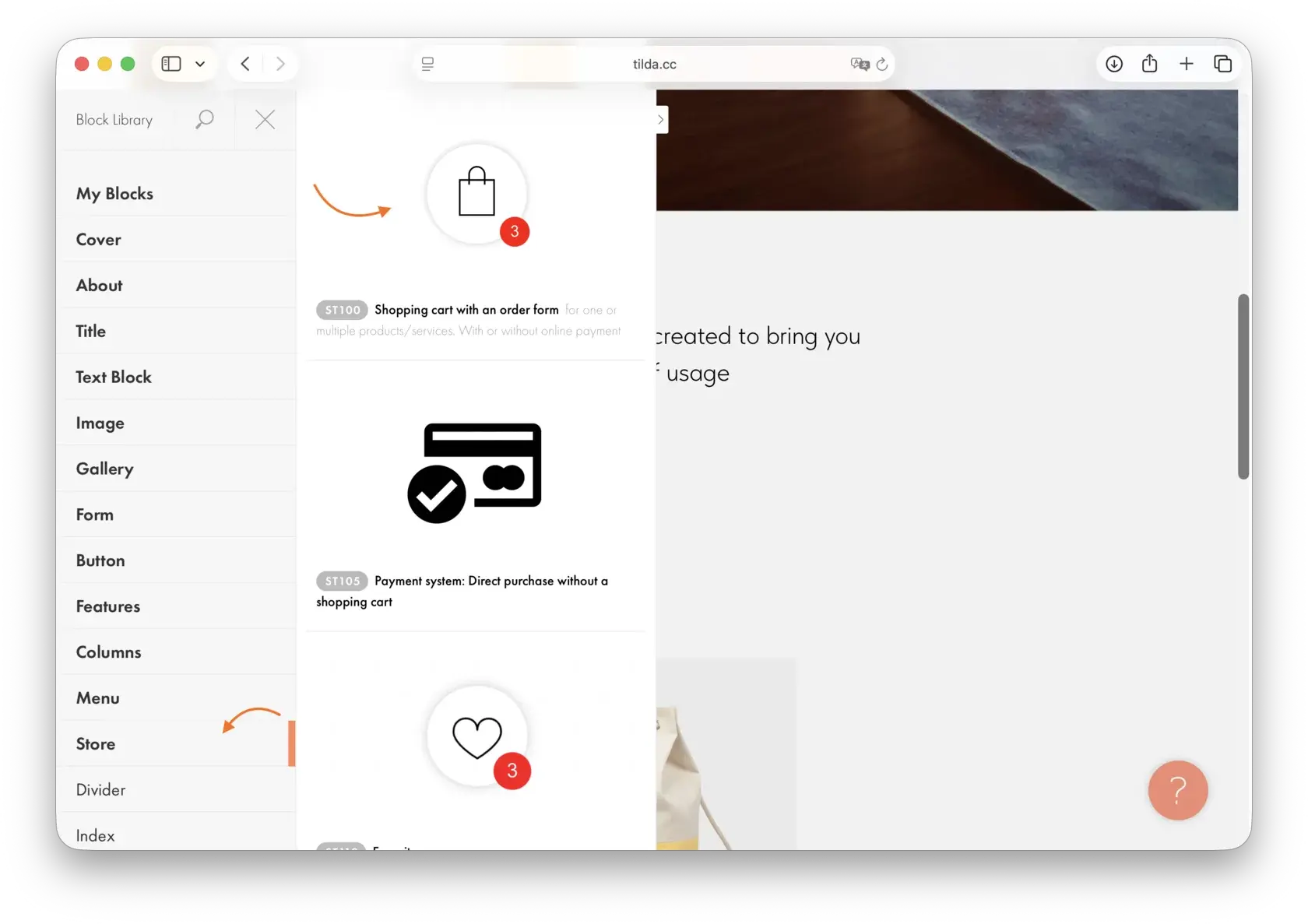
The cart is the most important element of an online store. The user has chosen a product, added it to the cart, started placing an order — and then sees Russian text. For a German buyer, this is a signal that the store is “not for them”.
Why the cart is not translated by standard methods
The cart on Tilda is a dynamic component. Its content: “Add to Cart” buttons, “Checkout” buttons, address fields, error messages, order confirmation — all of this is generated by JavaScript in the browser.
The static HTML that a regular proxy translator sees does not contain the cart text. It appears later, when the user interacts with the page.
Result: the website is translated, but the cart is not.
What exactly needs to be translated
The entire user journey from catalog to confirmation. In the catalog: “Add to Cart” button, counter, mini-cart. On the cart page: product names, total amount, “Checkout” button. During checkout: form fields, placeholder texts, delivery and payment options, error messages. After checkout: confirmation screen and email.
The most painful spot is error messages. “Enter a valid email” in Russian in a German store is not just unsightly, it's a signal that the store is unfinished.
How to solve
Server-side rendering. A proxy that executes JavaScript before transferring the page to the user — receives the page with the cart already loaded and translates all text, including dynamic content.
Customization via Tilda API. For some cart texts, Tilda provides the option to override them through store settings — but this is a limited option.
Manually via JS replacement. A script that finds cart elements and replaces text after the page loads. It works, but is unstable — the structure may change with Tilda updates.
Currency in the cart
A separate task is to display the correct currency in the cart for each language version. A German user wants to see the price in euros, not rubles.
What to Check Before Launching
Test before launching a multilingual store:
1. Add an item to the cart in each language version — are all labels in the correct language? 2. Proceed to checkout — form fields, placeholders, buttons? 3. Intentionally enter incorrect data — error messages? 4. Place a test order — on-screen and email confirmation?
Need a fully translated cart on Tilda?
Multify translates the cart, checkout, and all forms — including dynamic content. Check it out on your store's demo.