

Many Tilda website owners face a paradox: after adding a second language, website traffic does not grow, and sometimes even decreases. The reason is almost never related to the quality of the translation. The problem lies in how search engines see and interpret the multilingual structure of the website.
In this article, we will analyze the main reasons for traffic drops on multilingual Tilda websites and show how to fix the situation without rebuilding the website.
According to research, up to 75% of internet users prefer to view websites in their native language, but improperly implemented multilingualism not only fails to increase audience but can also lead to a loss of existing traffic.
Source: https://www.linkedin.com/pulse/seo-statistics-multilingual-websites-judd-dunagan
Why Multilingualism Is More Than Just Translation
Adding a second language is often perceived as a simple text translation. However, for search engines, this is not enough. Google and other search engines evaluate not the visual part of the website, but its structure, connections between pages, and signals that indicate for which audience the content is intended.
If such signals are absent, the search engine may perceive pages in different languages as duplicates and lower their ranking in search results.
What the Statistics Say
Studies show that:
- up to 75% of internet users are not native English speakers and are more likely to interact with websites in their own language;
- at the same time, less than 5% of websites worldwide actually implement a correct multilingual SEO structure.
Source: https://www.linkedin.com/pulse/seo-statistics-multilingual-websites-judd-dunagan
This means that a properly configured multilingual website gains a significant competitive advantage, especially in niches with an international audience.
Main Reasons for Traffic Loss on Multilingual Tilda Websites
Error 1. Duplicating pages without specifying the language
One of the most common problems is having multiple language versions of pages without clearly indicating which version is intended for which language or region.
As a result, the search engine sees several pages with very similar content and perceives them as duplicates. Such pages begin to compete with each other, leading to traffic cannibalization and a decrease in rankings.
To avoid this, it is necessary to use a clear URL language structure and explicit SEO signals for each page version.
Error 2. Missing or incorrect hreflang
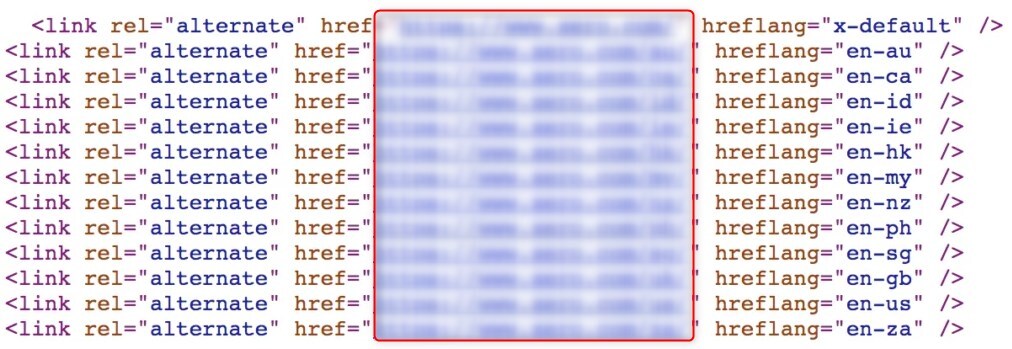
The hreflang attribute tells search engines which language and region a specific page is intended for, and also links the language versions together.
Without correct hreflang, Google may:
- show users a page in the wrong language;
- index only one language version;
- ignore translated pages.
In real cases, hreflang errors led to a drop in organic traffic of more than 60% in a few months.
Error 3. Loss of SEO weight due to URL change
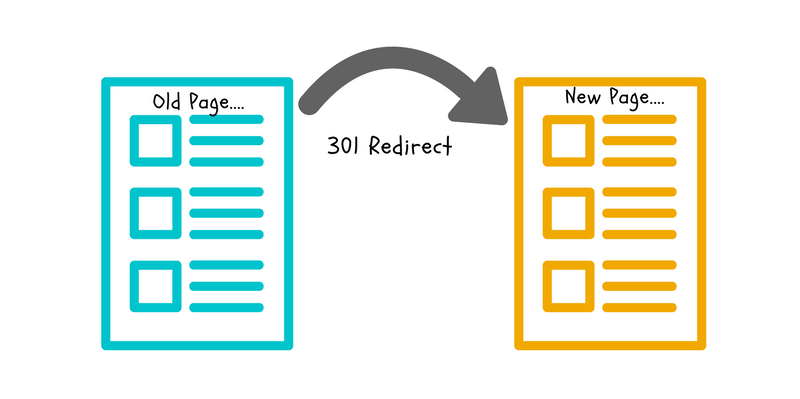
When implementing multilingualism manually, page addresses often change. Old URLs cease to exist, and redirects are either not configured or configured incorrectly.
In this case, the search engine perceives the pages as new and does not take into account the previously accumulated SEO weight, links, and behavioral factors.
To maintain positions, it is important either not to change the URL structure or to use correct 301 redirects.
Error 4. Untranslated SEO metadata
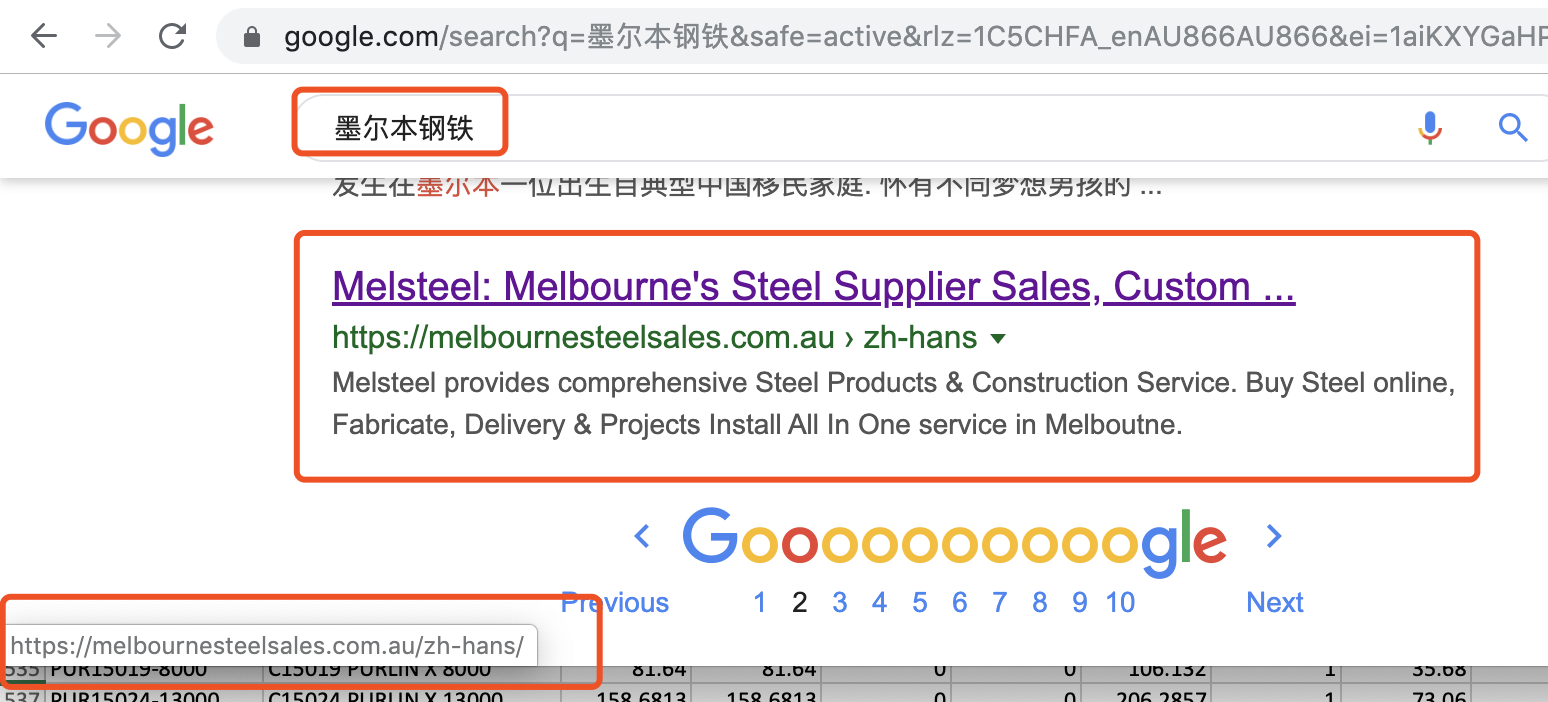
Even if the main text of the page is translated, the search engine primarily focuses on SEO metadata: title, description, headings, and image alt tags.
When metadata remains in the original language or is duplicated across versions, the search engine considers such pages less relevant for local search.
Each language version should have its own metadata, adapted to the language and region.
Error 5. Incorrect Sitemap
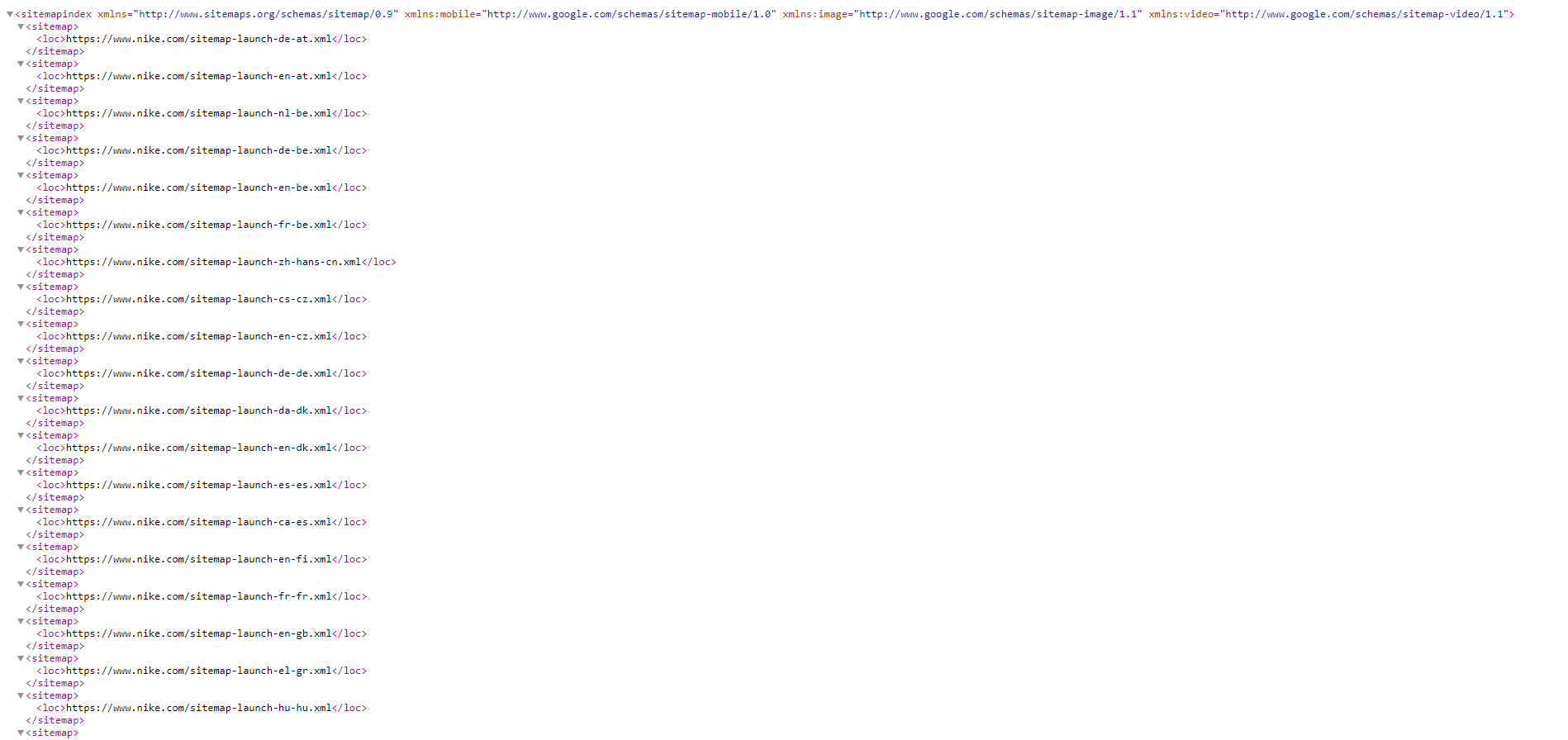
If the sitemap lacks language versions of pages or there are no links between them, it's harder for search engines to correctly index the entire site.
Some pages may be indexed with a delay or not indexed at all, which directly affects the volume of organic traffic.
What can be done without redoing the website
In most cases, correcting the situation does not require rebuilding the website. It is enough to:
- organize the URL structure;
- correctly configure hreflang;
- separate SEO metadata by language;
- update the sitemap and check robots.txt;
- ensure that the search engine sees all language versions as linked, but not duplicate, pages.
A Practical Look at Multilingualism
A multilingual website is not a collection of translated pages, but a unified system understandable to search engines. When the structure is built correctly, each language version begins to work for its audience and bring targeted traffic.
What is important to understand in the end
A drop in traffic after adding languages is not a platform error or a translation problem. It is a signal that the search engine does not understand the website's structure.
When language versions are logically linked, have correct SEO signals, and do not compete with each other, a multilingual Tilda website can steadily grow in organic search and expand its audience in new markets.
📩 Want to understand why your multilingual website is losing traffic?
We can:
👉 Leave an application — and we will suggest the best solution for your case.
We can:
- analyze the current SEO structure of your website;
- show how search engines see your language versions;
- set up a multilingual demo without copying pages;
- determine the optimal architecture for your markets and languages.
👉 Leave an application — and we will suggest the best solution for your case.