
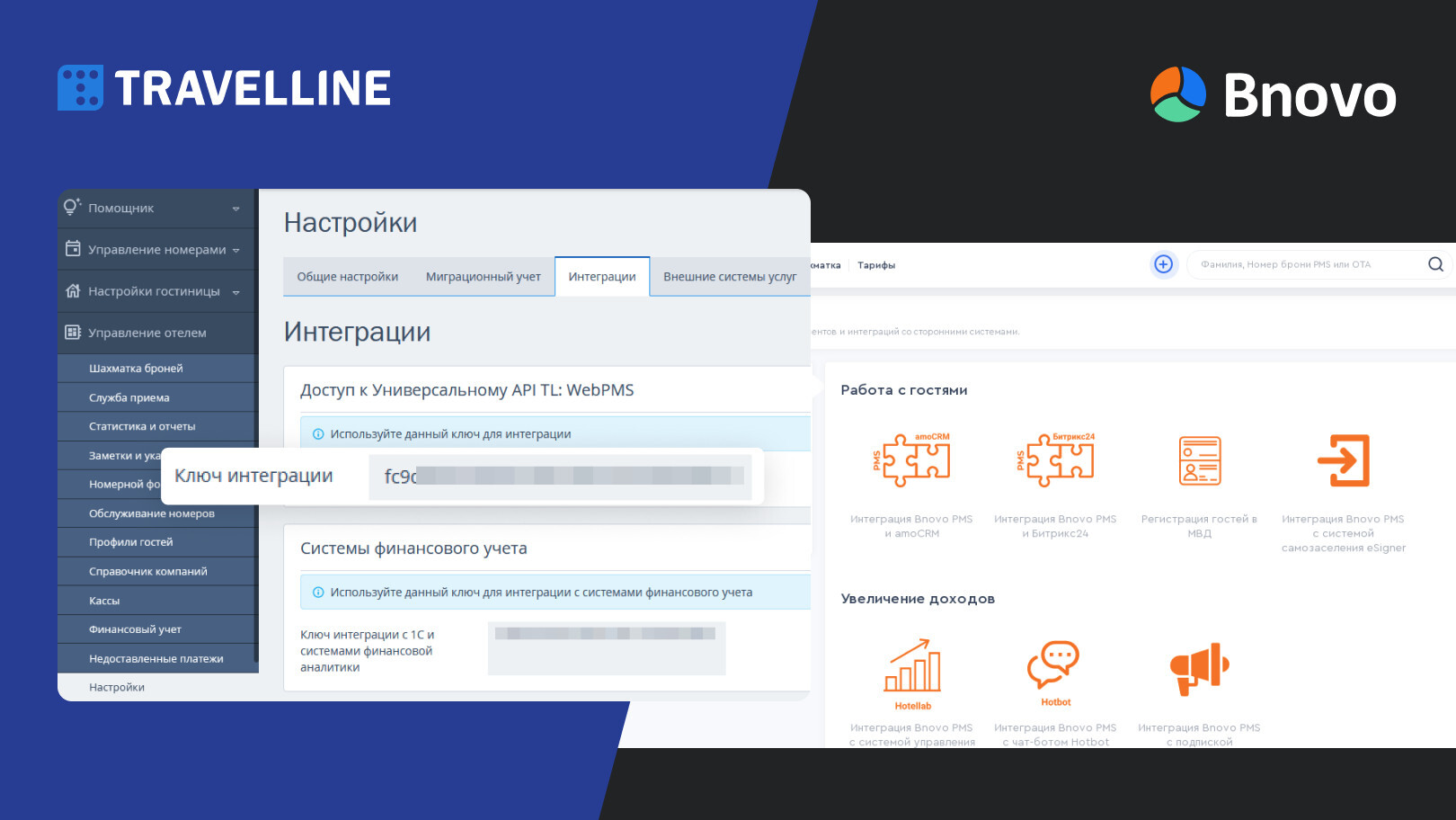
When you create a multilingual Tilda website, most of the content is translated via a proxy — texts, buttons, headings. But widgets are a different story. TravelLine, Bnovo, JivoSite, payment widgets — they are embedded as external code and operate by their own rules.
Why widgets are not translated automatically
Widgets are connected via iframe or JavaScript from an external service. From your website's perspective, this is a "black box" — you only allocate the space where the widget will appear, and the content is rendered from the provider's servers.
Proxy translation works with your HTML content. It does not affect the content of an iframe from an external domain.
This is not a bug — it's an architectural feature. The solution for each widget is unique.
TravelLine
TravelLine is a booking system for hotels. The booking widget is embedded into Tilda via JavaScript code from the TravelLine personal account.
How to set up multilingualism:
TravelLine supports several interface languages. The widget language switches via a parameter in the connection code or automatically by the browser language — depending on the version and settings of your personal account.
Algorithm: 1. In your TravelLine personal account, activate the necessary languages 2. Check the language transfer parameters in the widget code 3. On different language versions of the site, use the code with the required language parameter
Details in a separate article:
Bnovo
Bnovo is an alternative booking management system. The principle is the same: the widget is embedded via JavaScript.
Bnovo supports several interface languages. In most cases, the widget language switches automatically according to the user's browser language.
Other widgets
Chats (JivoSite, Intercom, Tidio). Most chat widgets support automatic language switching based on browser locale. Configured in the service's personal account.
Payment widgets (YuKassa, Robokassa, Stripe). Stripe switches automatically. Russian providers — usually only Russian. For an international audience, this should be taken into account in advance.
Map widgets (Google Maps, Yandex Maps). Google Maps switches according to browser language. Yandex Maps — predominantly Russian-speaking.
Review widgets (Trustpilot, Yandex Reviews). Trustpilot supports multilingualism. Yandex Reviews — only for a Russian-speaking audience.
General Principle
Before launching, go through each widget: what languages it works in natively, whether it switches automatically or if a parameter in the code is needed, and what a user from another country will see if nothing is configured. It's better to discover a problem before launch than after.
Widgets on a Multilingual Website — Let's Figure it Out Together
Multify automatically translates your Tilda website, and we'll help you figure out how to set up multilingual support for widgets for each specific case.