

If a Tilda website has a catalog of services, a portfolio, a list of specialists, or a company database, each item does not need to be a separate page. For this, Tilda has CMS Feeds: you fill in entries in one place, and the website itself displays them in cards and on pages with the desired design.
But what if such a catalog is needed in several languages? Translating the page title is not enough: inside the entries there are descriptions, links, additional fields, and prices. All of this must be in the visitor's language, and the data is still managed in one admin panel. Below, we show on a demo and on a client's live website how Multify translates Feeds, including fields and prices.
One Feed Instead of Dozens of Pages
Let's imagine a massage studio website. For each service, a name, description, photo, and price are needed. You could create a separate page for each type of massage, but then any new service or change to the general design would require extra work. With a Feed, it's different: you define once what data an entry has, and then you just fill it in.
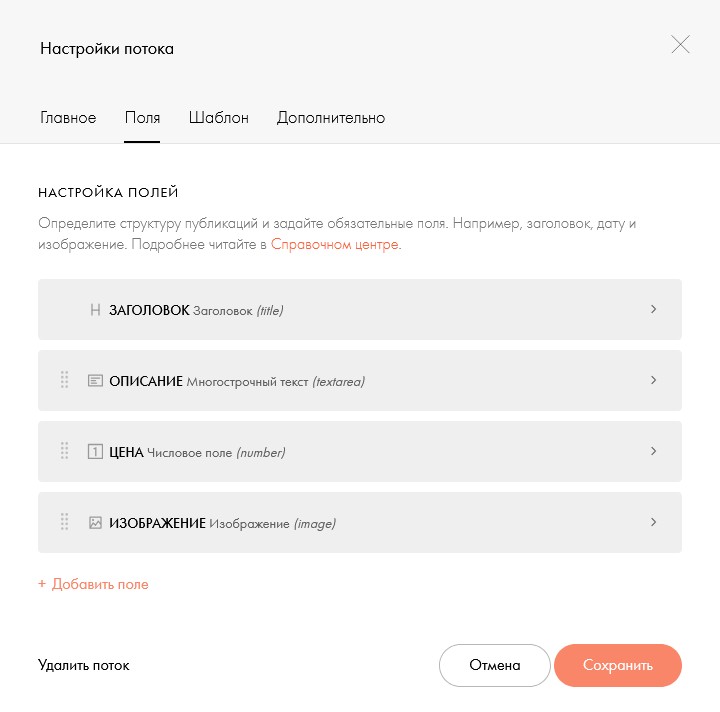
You choose the set of fields yourself. They can be of different types: text, text with links, number (say, price), and image. In our demo, these are a title, a multi-line description, a numeric "Price" field, and an image.
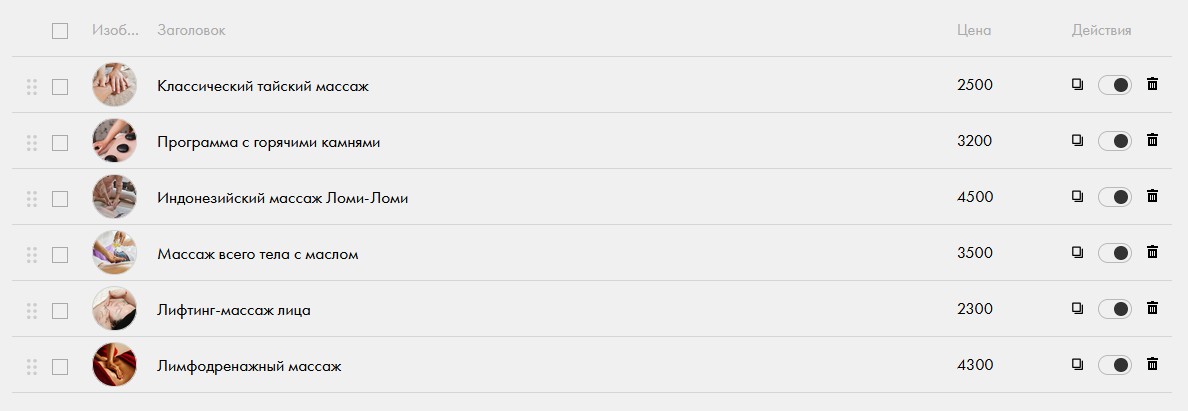
Then the administrator adds services: fills in fields, changes prices, uploads photos, like rows in a table. There's no need to reassemble a card for each offer.
You can also manage vacancies, events, projects, employee profiles, or an organization catalog. Each content type has its own set of fields.
How fields get to the page
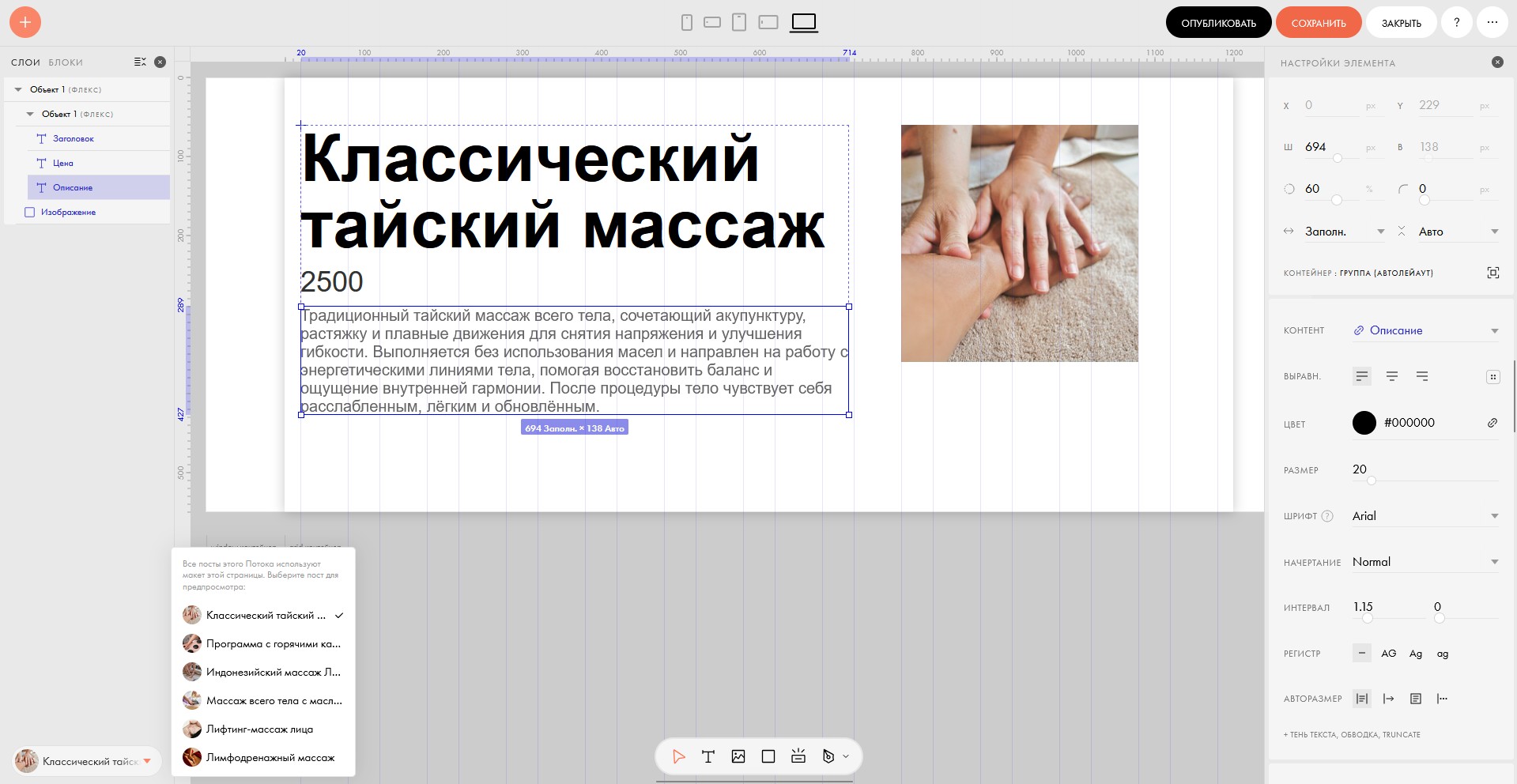
The entry page is assembled in Zero Block. The designer draws the layout once and links each element to a Stream field: this text is taken from the "Description" field, this number from the "Price" field. All Stream entries use one layout, and data is substituted from the fields.
Data and appearance are separated: the website owner manages content in the Stream, and the designer manages the design in Zero Block. A new service immediately gets a ready-made template without additional layout work.
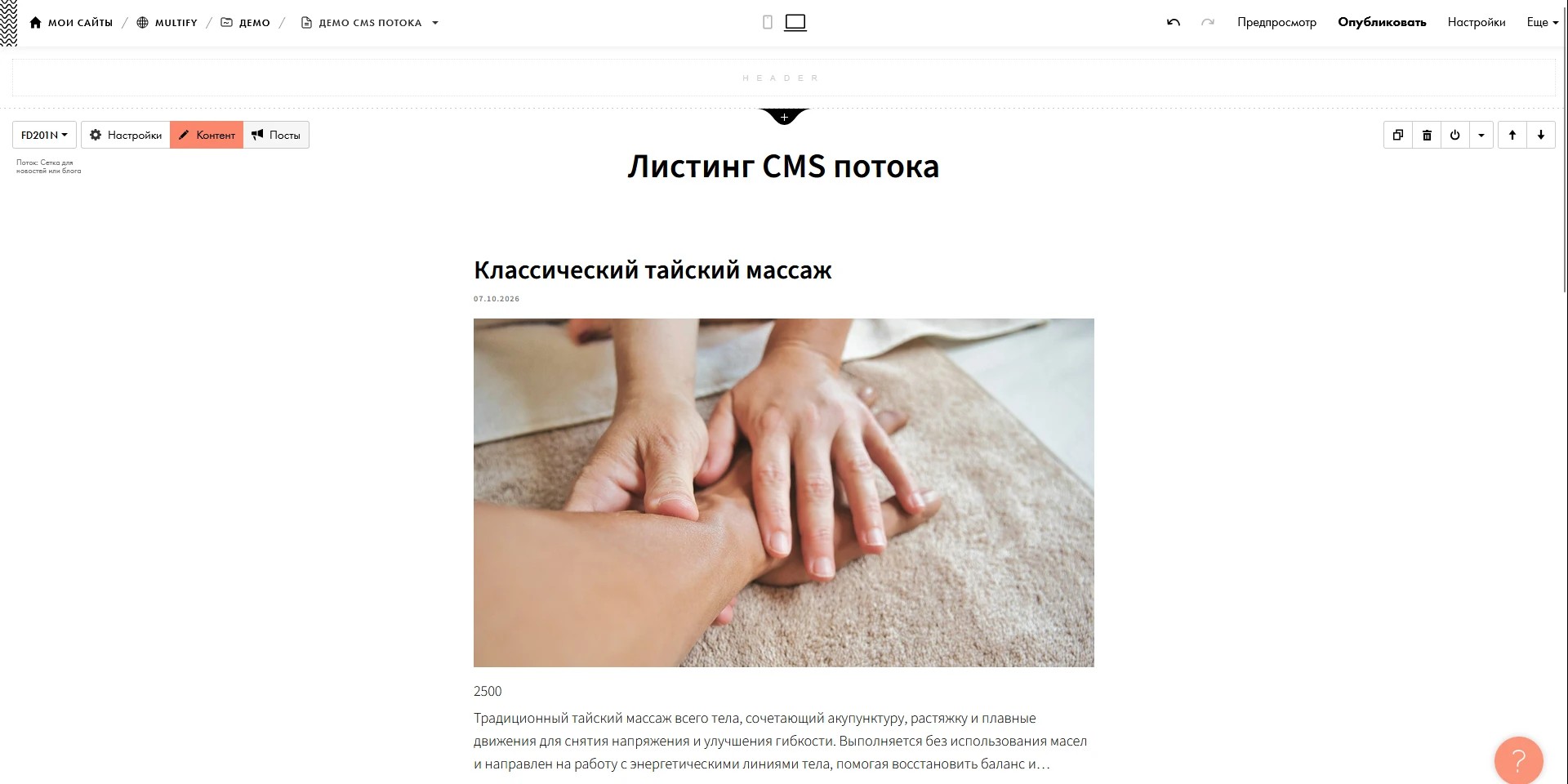
The list of entries on the page is displayed by a ready-made Stream block, for example, a grid for news or a blog.
How to set this up is described in the Tilda help: how to create and configure an advanced Stream and how to create an entry template in Zero Block.
What Multify Does with Fields
Fields are different, and they need to be handled differently: descriptions need to be translated, and prices need to be recalculated into another currency. Therefore, for each Stream, we configure what each field contains.
Text. Names, descriptions, positions, regions are translated into the language of the website version. The title and description of the entry are translated in any Stream, without configuration.
Text with formatting and links. If a field contains bold text, paragraphs, or links, the translation preserves the markup. Links to pages on your site lead to the same language version: from a Serbian card, a visitor goes to the Serbian page, not the Russian one.
Price. Prices in Stream fields are recalculated according to the same rules as in the product catalog: the exchange rate, rounding, and currency symbol are the same. Multify recalculates the number from the price field into the currency of the language version and displays it with the currency symbol. In the English demo version, 2500 rubles become $29, in the German version €26. These are values from a specific example, not a manually specified rate. Each language version can have its own currency, and the owner does not need to manually rewrite prices. We find the price written as text within the field, for example "97 280 RUB including VAT", by the currency designation, which we configure together with the Stream.
Russian version (original)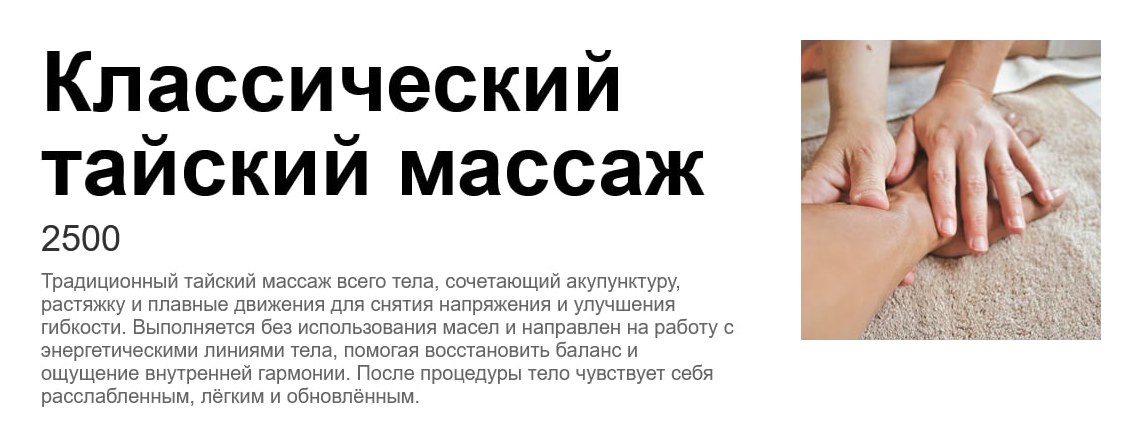
English version
German version
Fields are translated wherever Tilda shows them: in the list of entries, in the "See also" block, and on the entry page. The names of the fields themselves are not translated, only the values are translated. The card layout does not change.
Example: B2B platform catalog
On the client's live website, a B2B platform on Tilda, there are four Streams: organizations, experts, services, and tasks. The site is Russian, and a Serbian version in Cyrillic is also running. The cards have many custom fields: region, industries, company, website, contact person. Region, industries, and company are recorded in them as links to platform pages. In the Serbian version, the text in these fields is translated, and the links lead to Serbian pages.
Original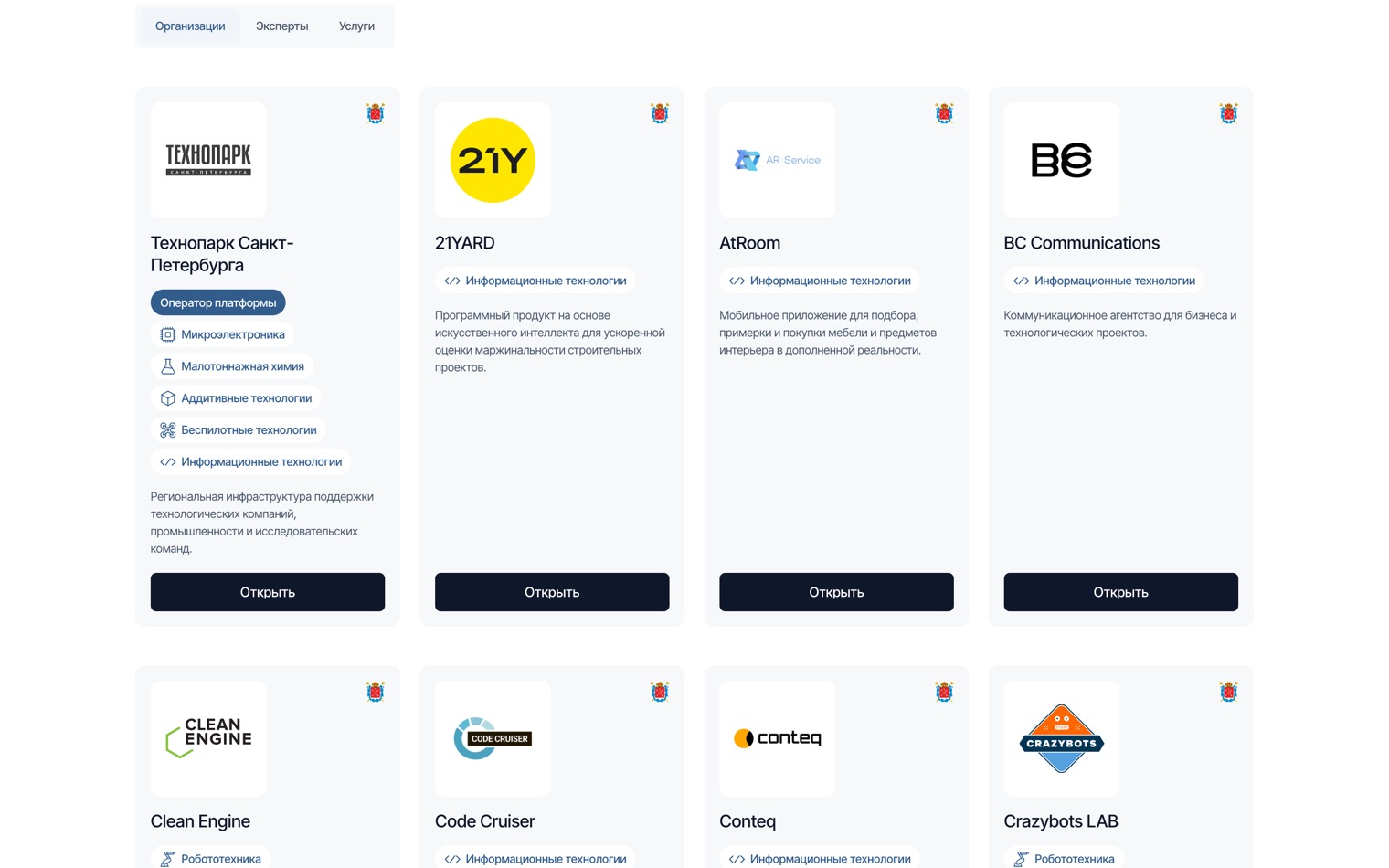
Serbian version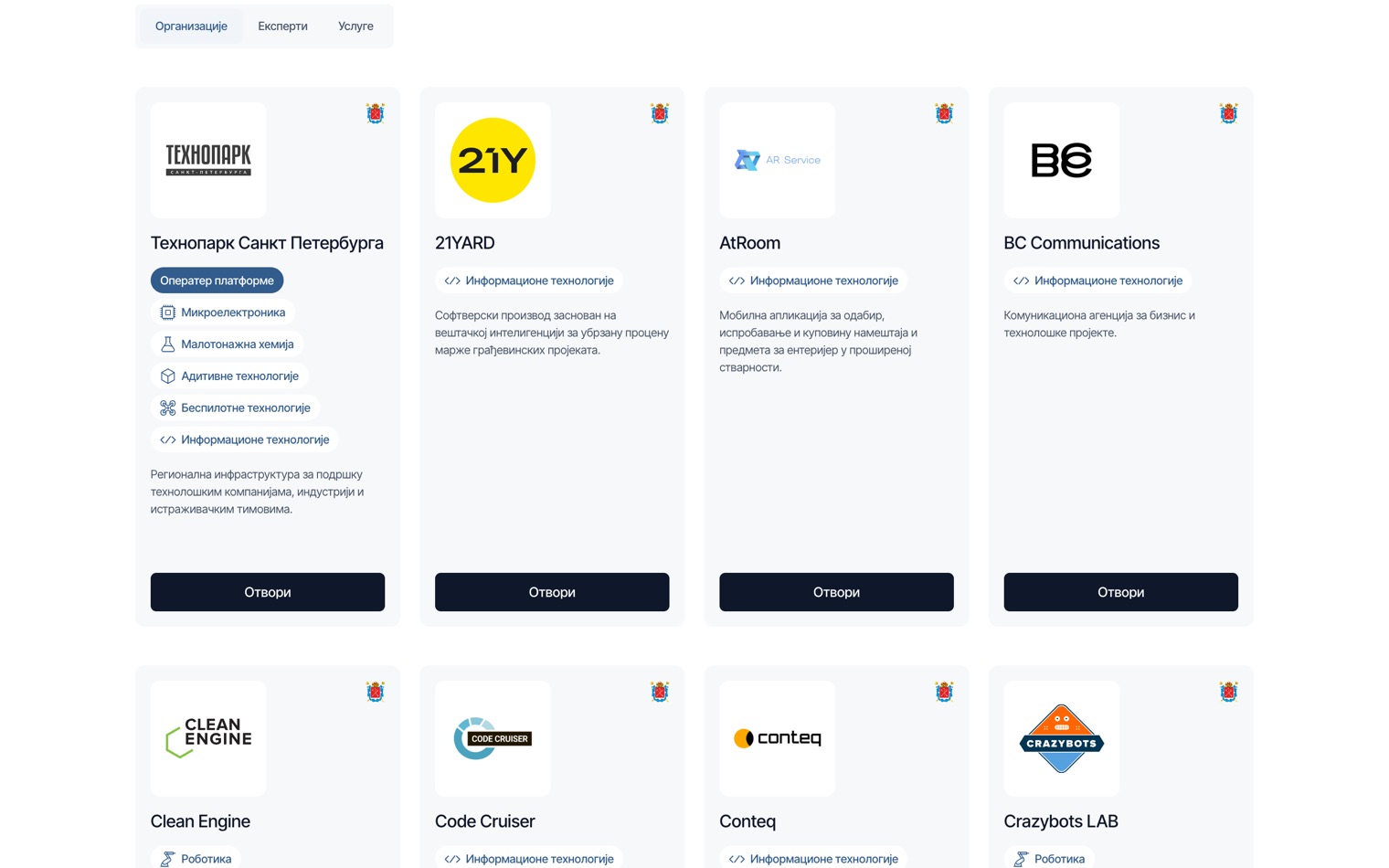
And loaded entries too
A long Feed displays entries in portions, the rest appear by clicking the "Load More" button. Each subsequent portion arrives already translated, just like the first: visitors will not see a mix of Russian and Serbian if they scroll further through the catalog. In the organizations catalog, there are initially 12 cards, after clicking "Учитај још" (Serbian for "Load More"), there are 24, and all are in Serbian.
Before clicking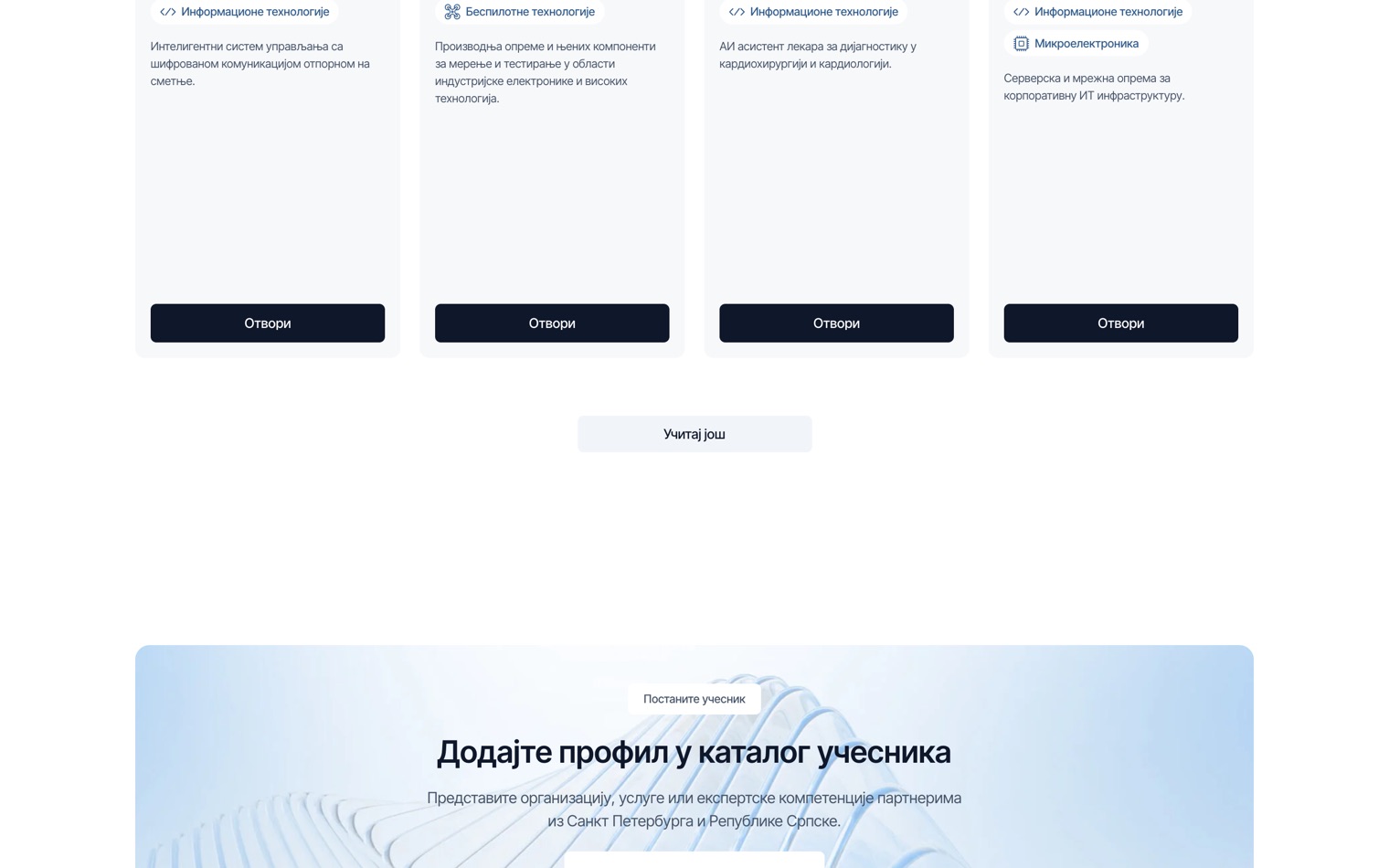
After clicking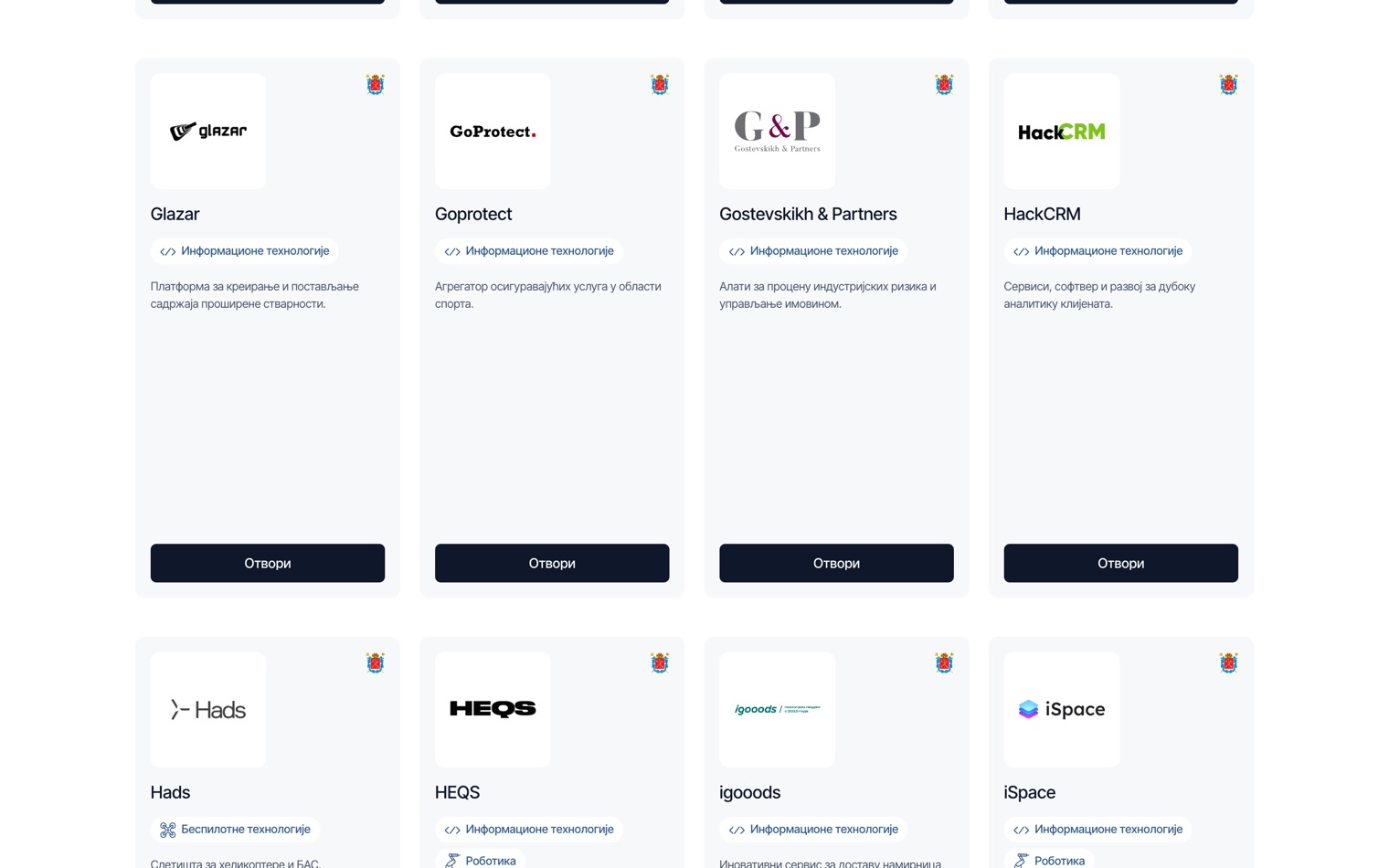
Do I need to change anything in Tilda to connect?
No. If the Feed is already created and the pages are working, you don't need to redo it for the sake of multiple languages. Entries are still made in the Tilda admin panel in the original language.
What is not yet supported
Feed translation is currently in early access. The following are not yet working:
- entries that open in a pop-up window, not on a separate page;
- Feeds and fields that we have not configured: they remain in the original language.
How to connect Feed translation
We configure Feed translation. To start, a link to your website page with the Feed is enough: we will see what fields it has, how they are displayed in cards and Zero Block, where the links are located, and in which fields prices are found, and we will tell you what we will translate and what we will convert to currency.
We will translate Feeds on your website
Send a link to the page with the Feed: we will see what fields it has, and we will tell you what we will translate and what we will convert to currency.