This website is translated into several languages using Multify ✨
Multilingual Tilda Website Without Manual Work
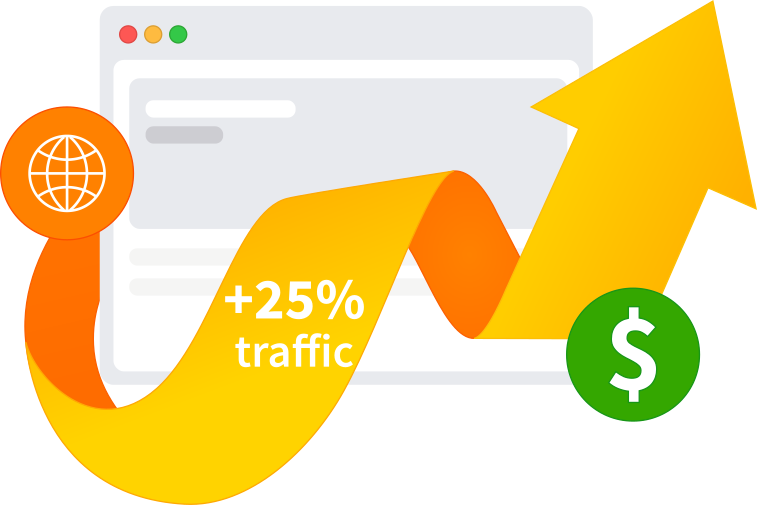
Multify automatically translates content and catalogs, converts prices, and sets up SEO for each language.
-
 Full compatibility with Tilda
-
Multilingual SEO
Tilda CMS Streams are already in Multify
Your own fields are translated into different languages, and prices are converted according to the currency exchange rate. In dynamic feeds and in templates made on Zero Block.
Multilingual Tilda Website Without Copying Pages
-
 Website Translation
 -
 Currency Conversion
 -
 SEO Setup
Without Multify, a multilingual website has to be maintained manually: creating copies of pages, updating content in each version, and setting up the site separately for different markets.
Multify automates this work. The service translates the website, adapts currencies and payment methods for different regions, and each language version is indexed by search engines as a separate local website. You continue to work with a single original Tilda website.
Websites Connected to Multify
Real websites where Multify is already working: translations, currencies, local payments, and other connection scenarios.
-
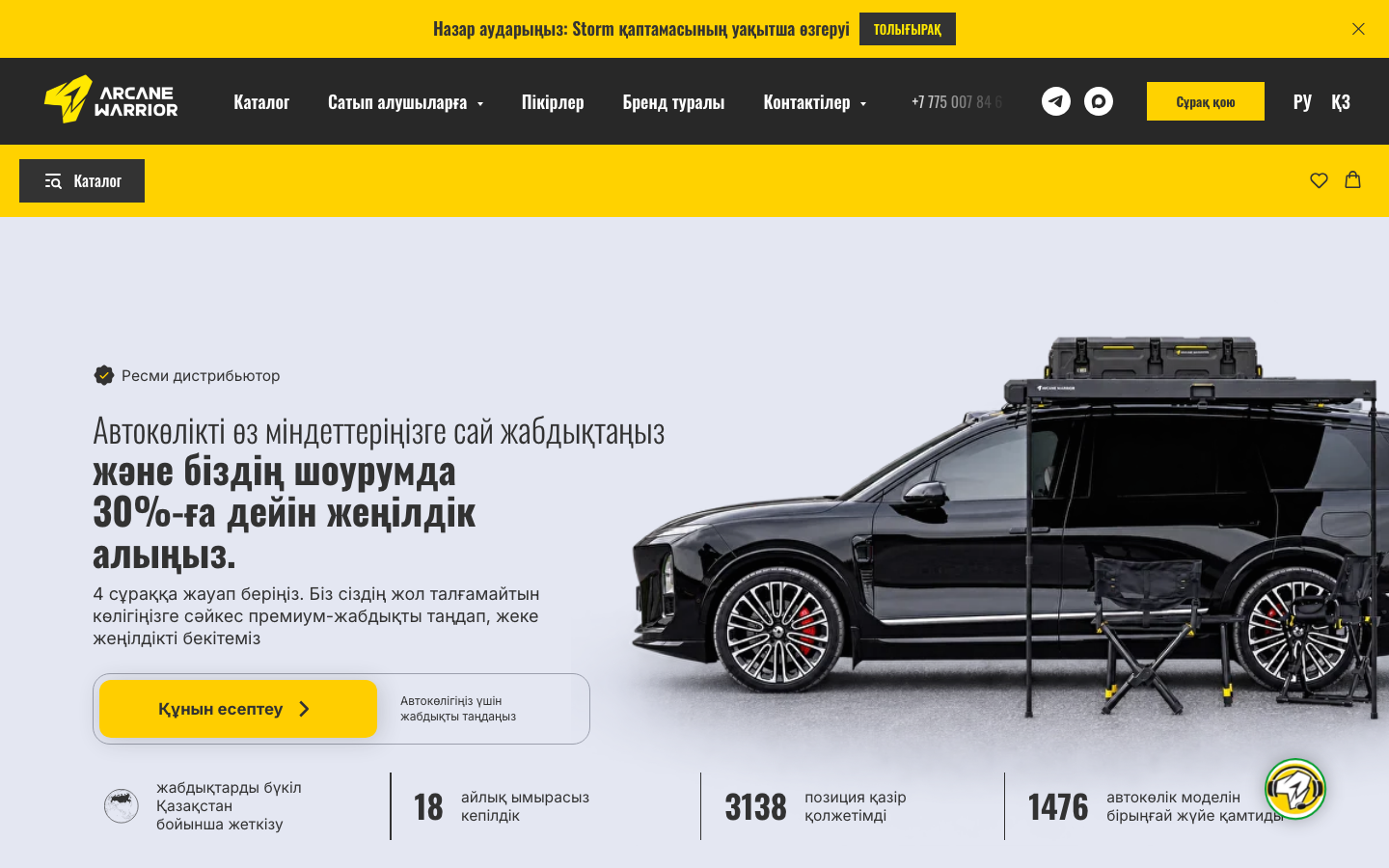
arcanewarrior.kz
- RU / KZ
- KZT
- Catalog and Cart
-
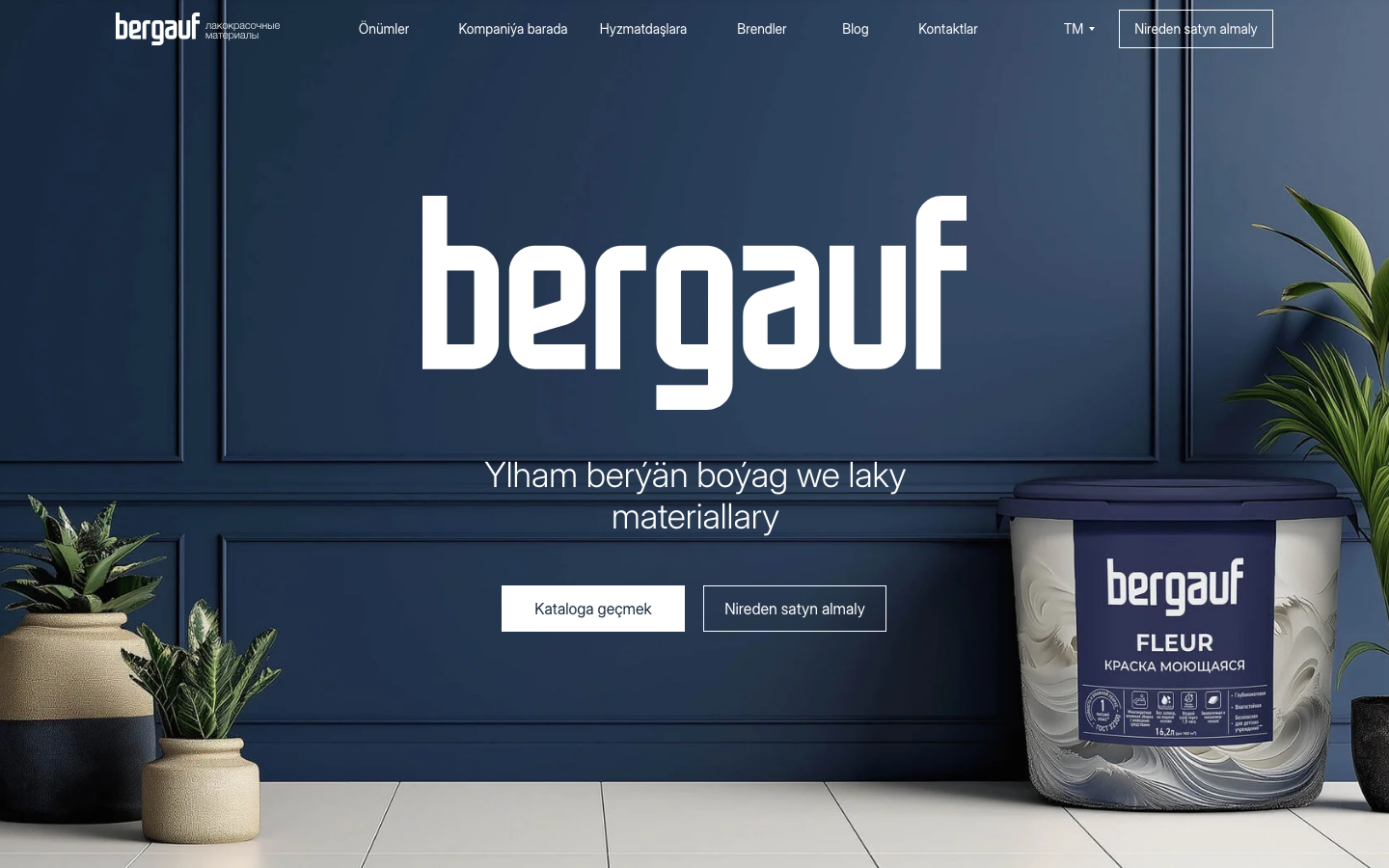
bergauf-lkm.ru
- 11 languages
- Catalog
- CIS
-
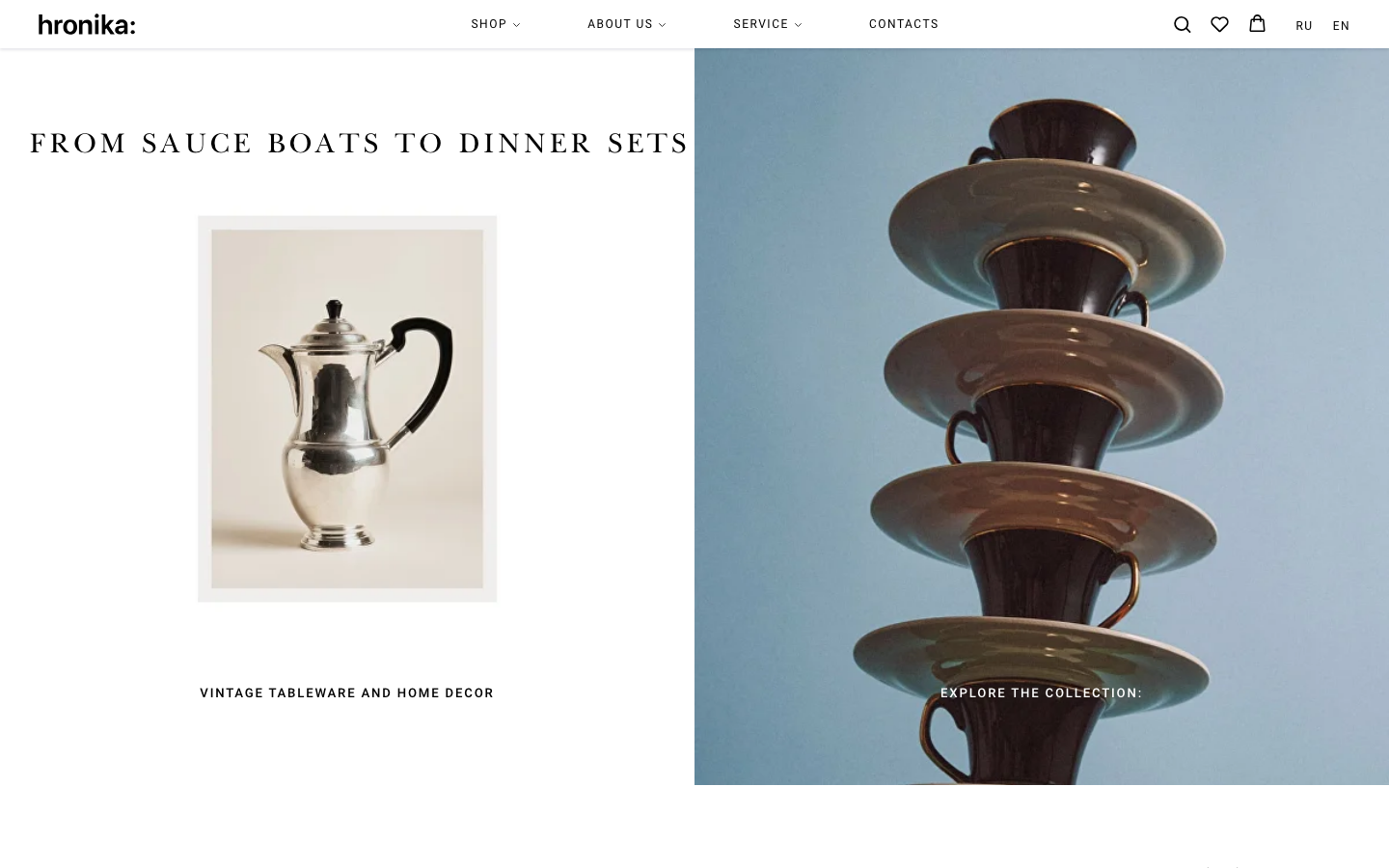
hronika.co
- RU / EN
- USD
- Catalog and Cart
-
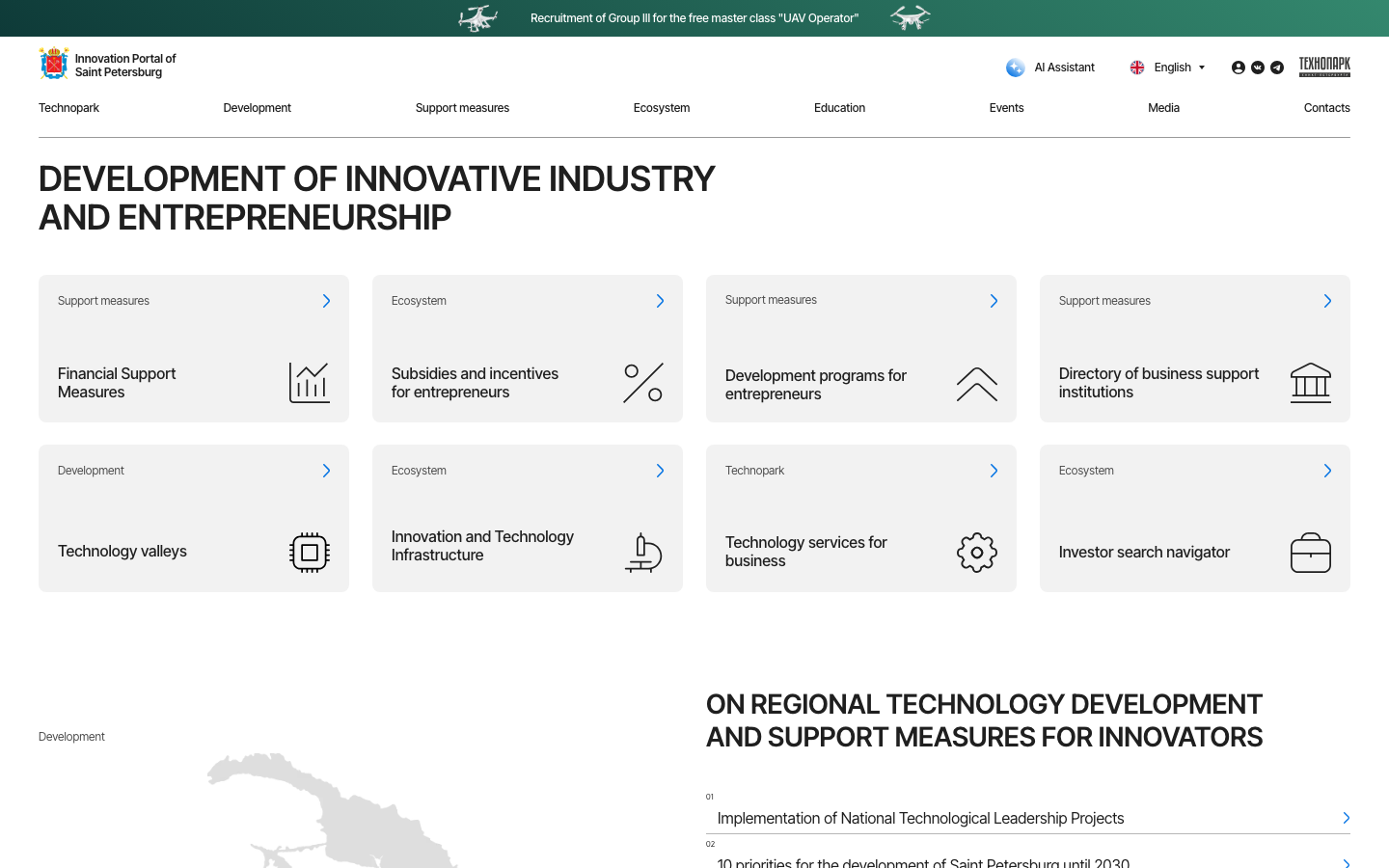
spbtech.ru
- RU / EN / ZH
- 3 languages
- Informational Website
-
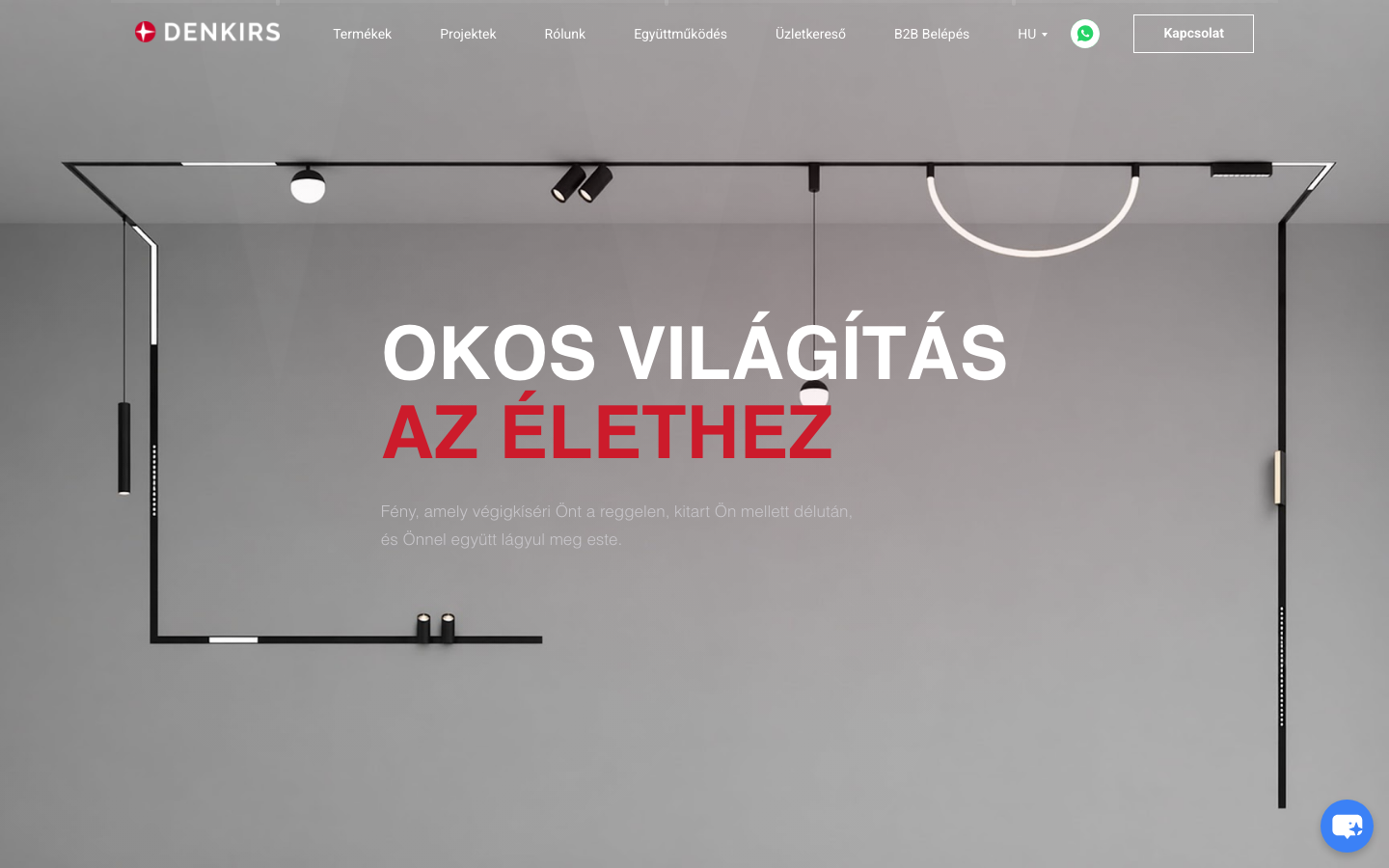
denkirs.si
- 5 languages
- B2B
- EU
-
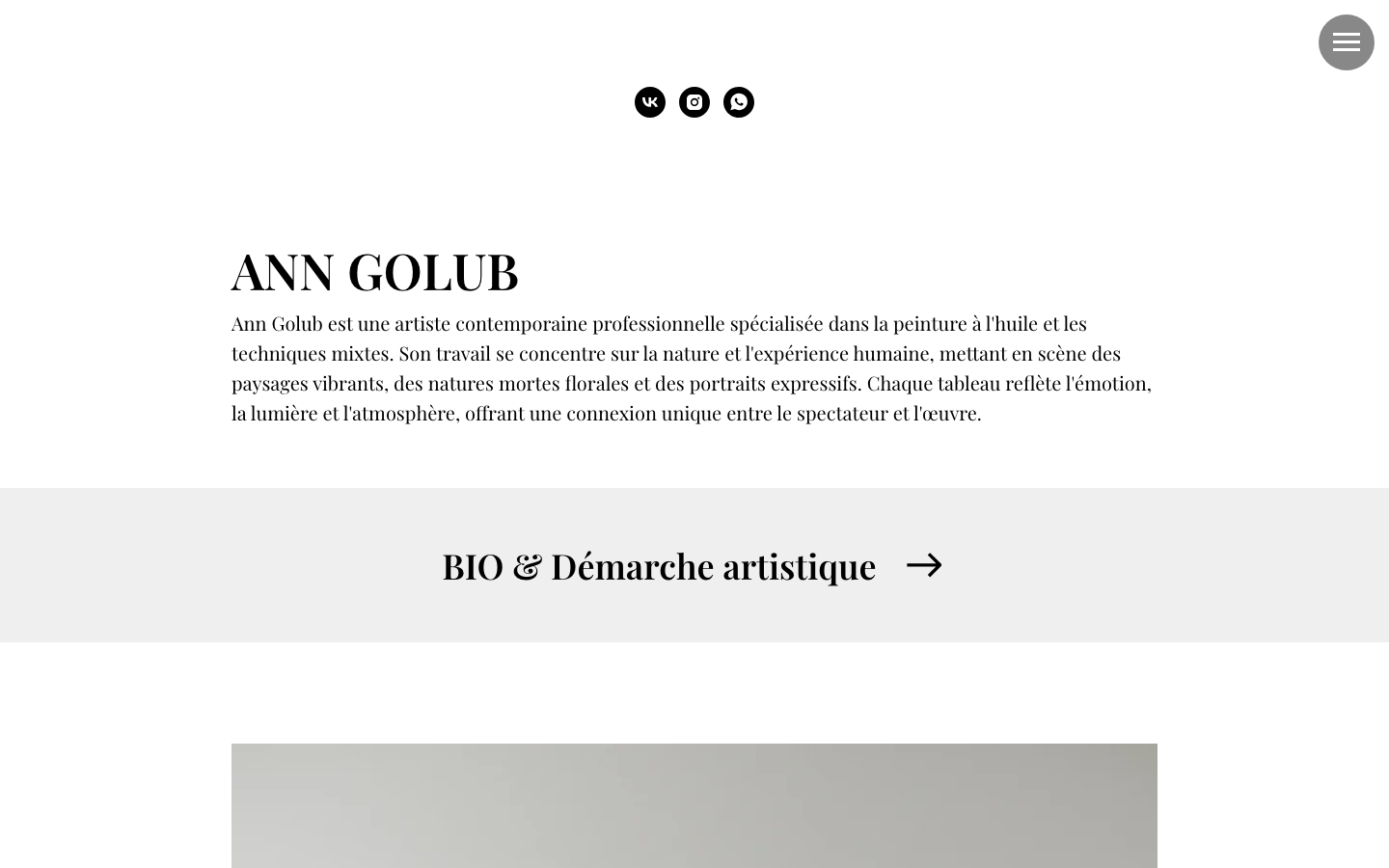
anngolub.com
- EN / RU / FR
- 3 languages
- Personal Website
Choose your scenario
Choose the scenario that is closest to your task: develop your own website or connect Multify to client projects.

For online stores
Multilingual and multi-currency online store on Tilda: the buyer sees products in their language and prices in their currency.
Details
For Business Owners
Multilingual Tilda website for entering foreign markets: translation, SEO, management from a familiar admin panel.
Details
For Designers and Developers
Connect language versions to client Tilda websites in an evening: content is translated and updated automatically.
DetailsHow It Works
What Happens Technically
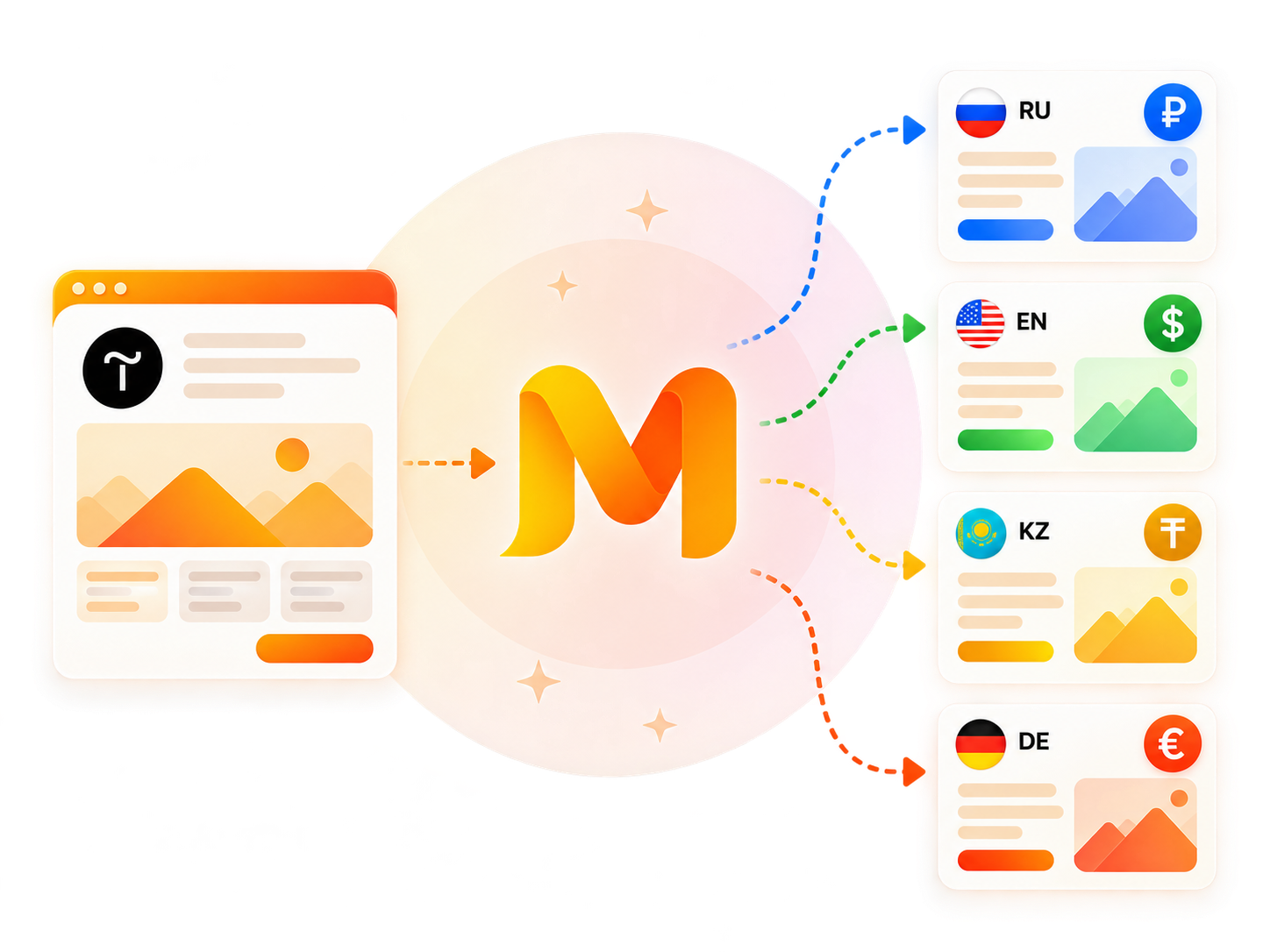
Multify creates a translated copy of the website, while the original Tilda website remains yours and continues to be the only place where you edit content.
When a page is opened in another language for the first time, Multify downloads it from Tilda, translates it, and saves the result in the cache. Subsequent visitors receive an already translated page. If you change something on the original website, the changes automatically appear in the language versions with a slight delay.
After connecting Multify, you continue to work with one Tilda website. There is no need to create and maintain separate pages for each language.
How to Connect
- 01
You choose languages and currencies
- 02
Make edits if necessary
- 03
We change DNS records
- 04
Get a Tilda website with multiple languages and currencies
See Multify in action
5 short videos about the service's features
Features
Everything you need for a multilingual Tilda website: translation, currencies, payments, and SEO.
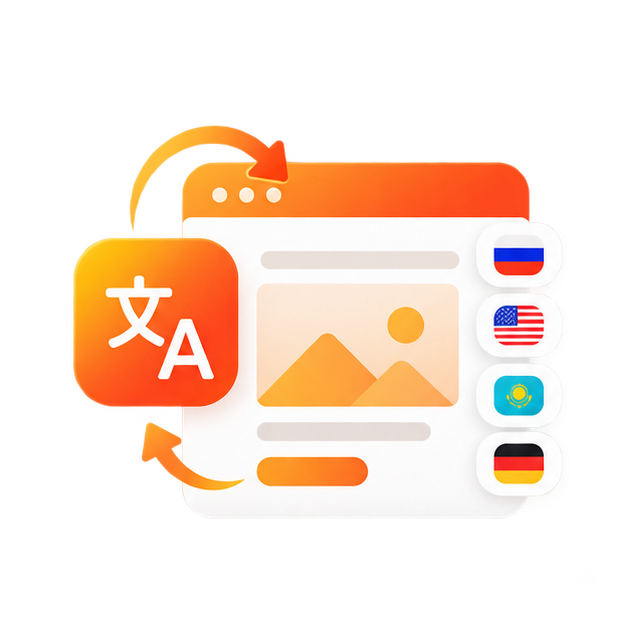
One Website — Multiple Languages

Multi-currency
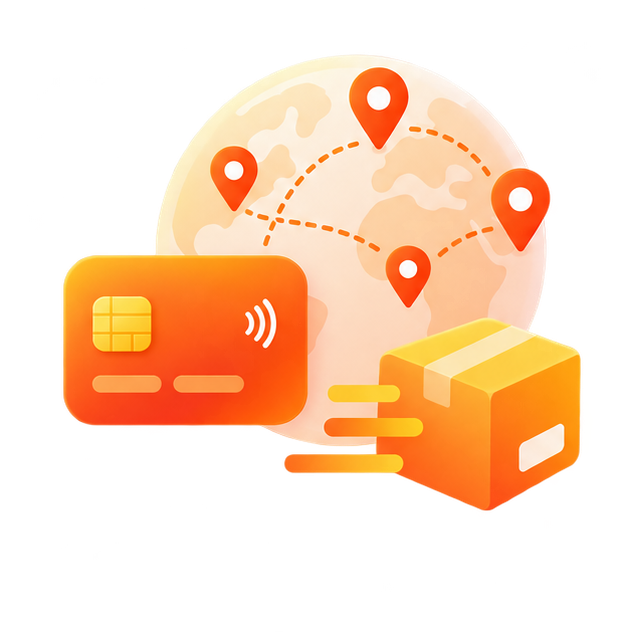
Regional Payments and Delivery
SEO for International Markets
Cases
Real projects on Tilda with translation, localization and international SEO.
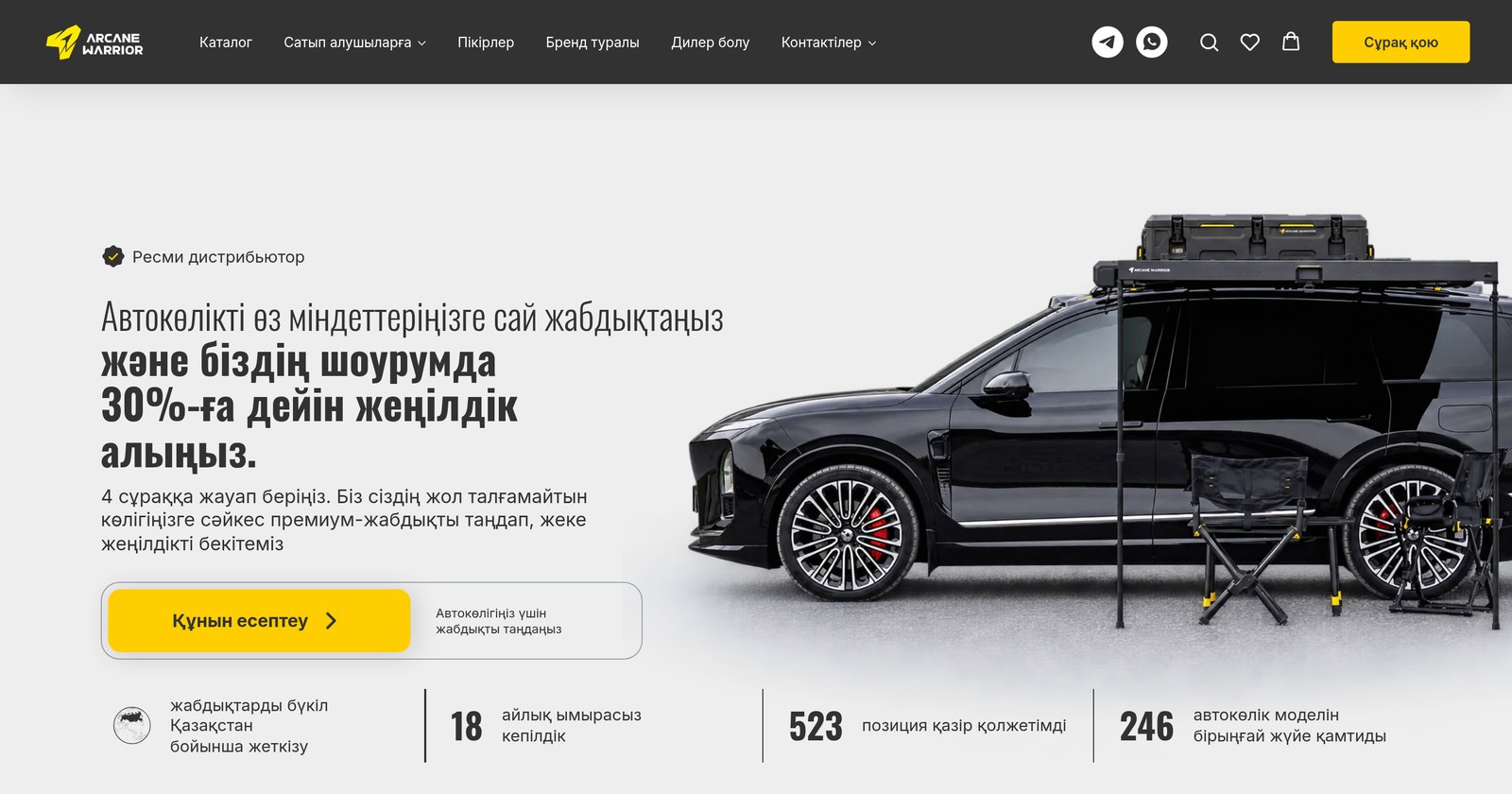
Translated the Arcane Warrior online store for Kazakhstan
Translated an online store on Tilda for Kazakhstan: Russian and Kazakh versions, prices in tenge. There is only one Tilda website.
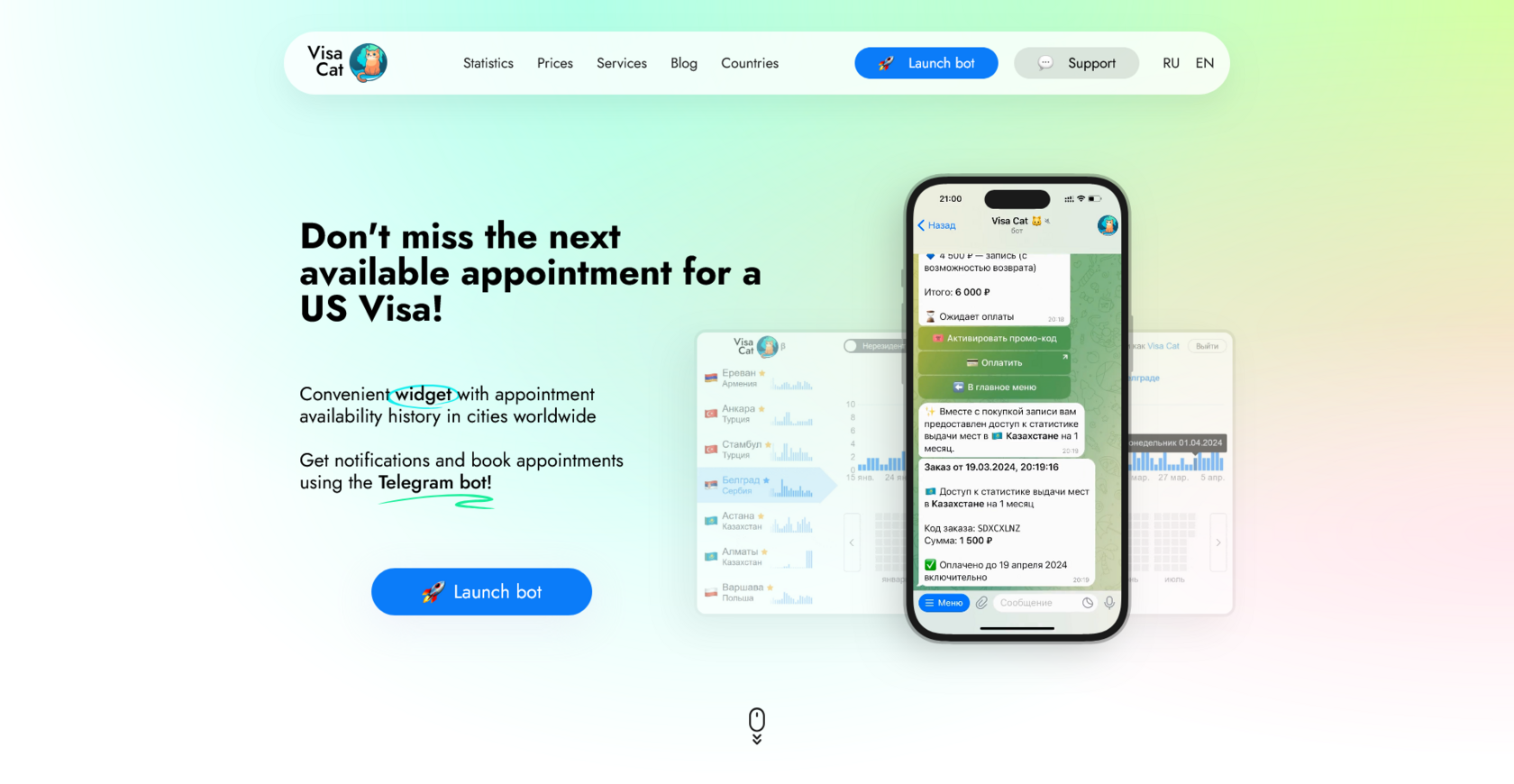
+30% traffic from Google in a month: how "Visa Cat" started getting international users
We connected the English version of the website in 5 minutes and got +30% reach in Google without changes in content or design.
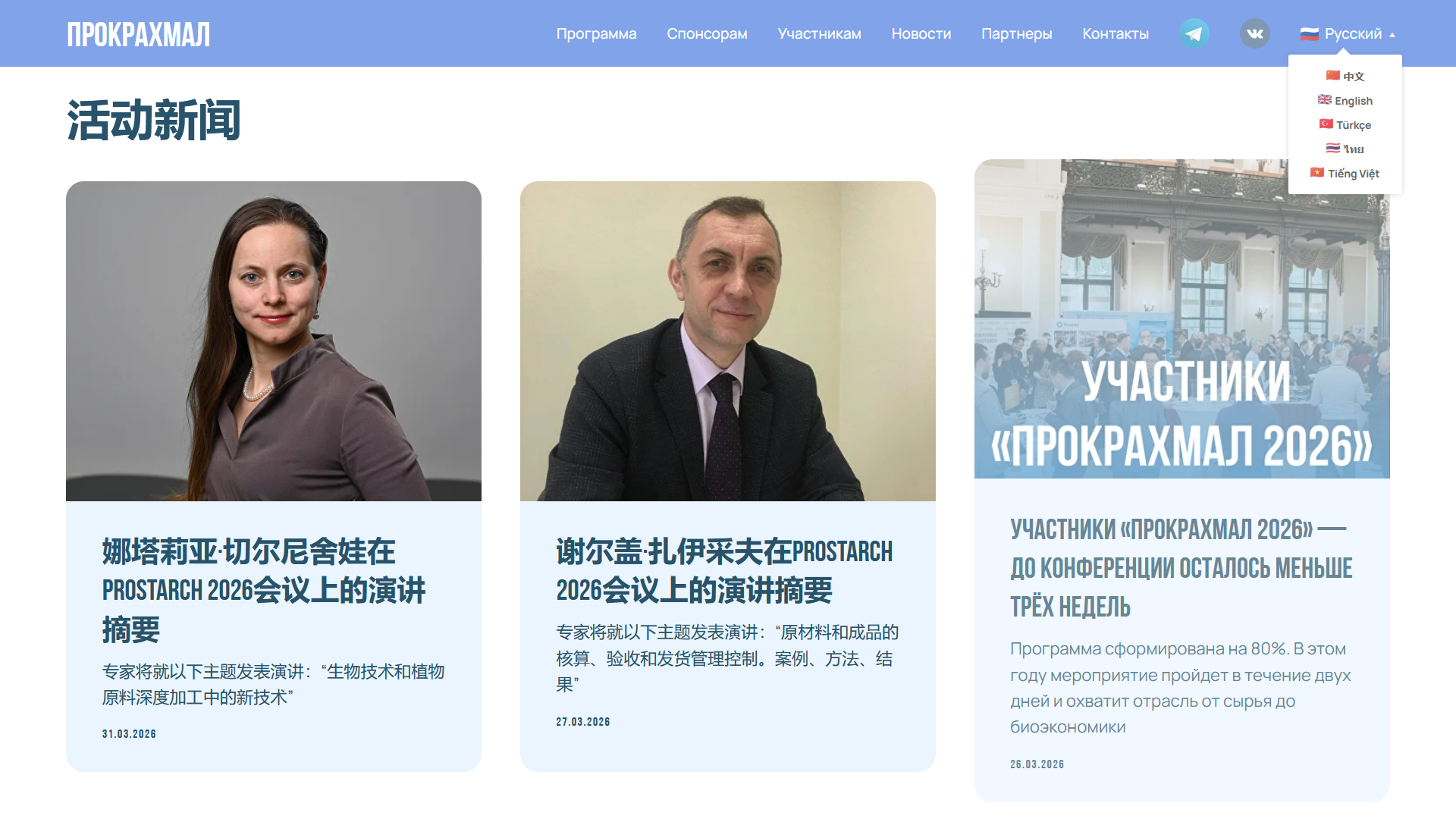
Multilingual website of the "ProStarch" conference in six languages
How we connected the ProStarch conference website to Multify and added 6 languages, including Chinese, Thai, and Vietnamese.
What Multify users say
-
«We have a large and technically complex website on Tilda, with a large number of pages, Zero Block, CSS and JS, so it was initially important to understand how correctly the service would be able to work with such a project. With the help of Multify, we connected the English and Chinese versions of the website without the need to create and maintain separate copies of pages manually. The team helped with the connection and setup, taking into account the specifics of the project. For a large website, this approach significantly simplifies further work with language versions.»
-
“I am an artist, and my website has many specialized terms that cannot be translated literally. Moreover, the website was originally in English, so it had to be translated and adjusted into Russian, as not every phrase or word sounds correct in all languages, especially for people "in the know" of art. I liked that such moments can be corrected by setting parameters initially, rather than changing them every time. Also, my website has products with prices, so it was necessary to correctly display prices in the country's currency. Now I just create new pages, and they automatically adapt to the required languages. For me, these are English, Russian, and French.”

-
"For us, the main issue was the quality of the Chinese translation. We specifically showed different options to a native speaker and ultimately chose the one he considered the most adequate. Later, we added English and French versions. Using the service is much easier than manually translating individual pages. We have been using it for several months, and everything works. Plus, the support is very responsive, always in touch."

-
“I needed to create German, French, and Spanish versions of my portfolio website, and in a fairly short timeframe. Everything turned out much simpler than I initially imagined: the team helped with the connection, fixed the layout where it shifted due to translation, and set up the language menu. Now everything works stably, excellent service!”

-
"We decided to contact Multify and were very satisfied! The specialist immediately told us that everything could be set up once. Explained the nuances, calmly and patiently accepted edits.
A special dictionary was created for us for the correct translation of individual terms, and the website design was adapted for each language. We thank this service and are confident that our cooperation will continue for many years to come!”

Connection and Subscription Cost
Multify requires setup for each project. The basic connection cost is $58 for all plans except Light.
Lite
For landing pages
$117 / year
Payment is made annually. Connection is included in the price.
Standard
For informational websites
from $28 / month *
For multi-page websites without additional functionality.
Business
For catalogs and online stores
from $42 / month *
For websites with a product catalog, shopping cart, or online payment.
Individual
For large and non-standard projects
Price on request
The cost is determined individually, taking into account the specifics of the tasks.
* When paying for 3 months — 5% discount | 6 months — 10% discount | 12 months — 2 months free 🎁
Frequently Asked Questions
Answers to frequently asked questions about connecting, paying for, and using Multify.
How to make a multilingual Tilda website?
How does a multilingual Tilda website differ from separate projects for each language?
How is the subscription cost calculated?
The cost depends on the website's volume, the number of language versions, and traffic. We evaluate the project before connection and select a suitable tariff. A one-time payment for connection is calculated separately and depends on the scope of necessary modifications.
How much does Multify connection cost and what is included?
For most websites, the basic cost is sufficient. If the website has Flexbox and requires adaptive layout, the cost is calculated separately or done according to the video guide by your designer-developers. Non-standard modifications and their cost are agreed upon separately.
What is a demo and how to get it?
A demo is a working copy of your website at a temporary address. No access to your website is required to create it. On the demo, you can see how Multify will work with your specific website and evaluate the quality of translation or currency conversion.
What happens to the original Tilda website after connection?
The original website remains on Tilda, and you continue to edit it as usual. Multify works separately and automatically updates language versions after changes on the original website.
Do I need to fully complete the website before connecting Multify?
No. After connection, you continue to work with the original website in Tilda as usual: edit content, add new pages, and publish materials. Changes automatically appear in language versions and are translated by Multify.
Can I add new languages later?
Yes. New language versions can be added after Multify is connected, so it's not necessary to launch all desired languages simultaneously.
Is there a contract?
How to disconnect a site from Multify?
Disconnection is done upon request. To do this, DNS settings are changed at the domain registrar and settings in Tilda — essentially, the reverse connection procedure is performed. We will agree on the necessary changes and help correctly return the website to its original configuration.
Let's discuss your project

Aleksei Ivanov
Founder of Multify. A programmer with over 15 years of experience. Specializes in the architecture and development of reliable web services.